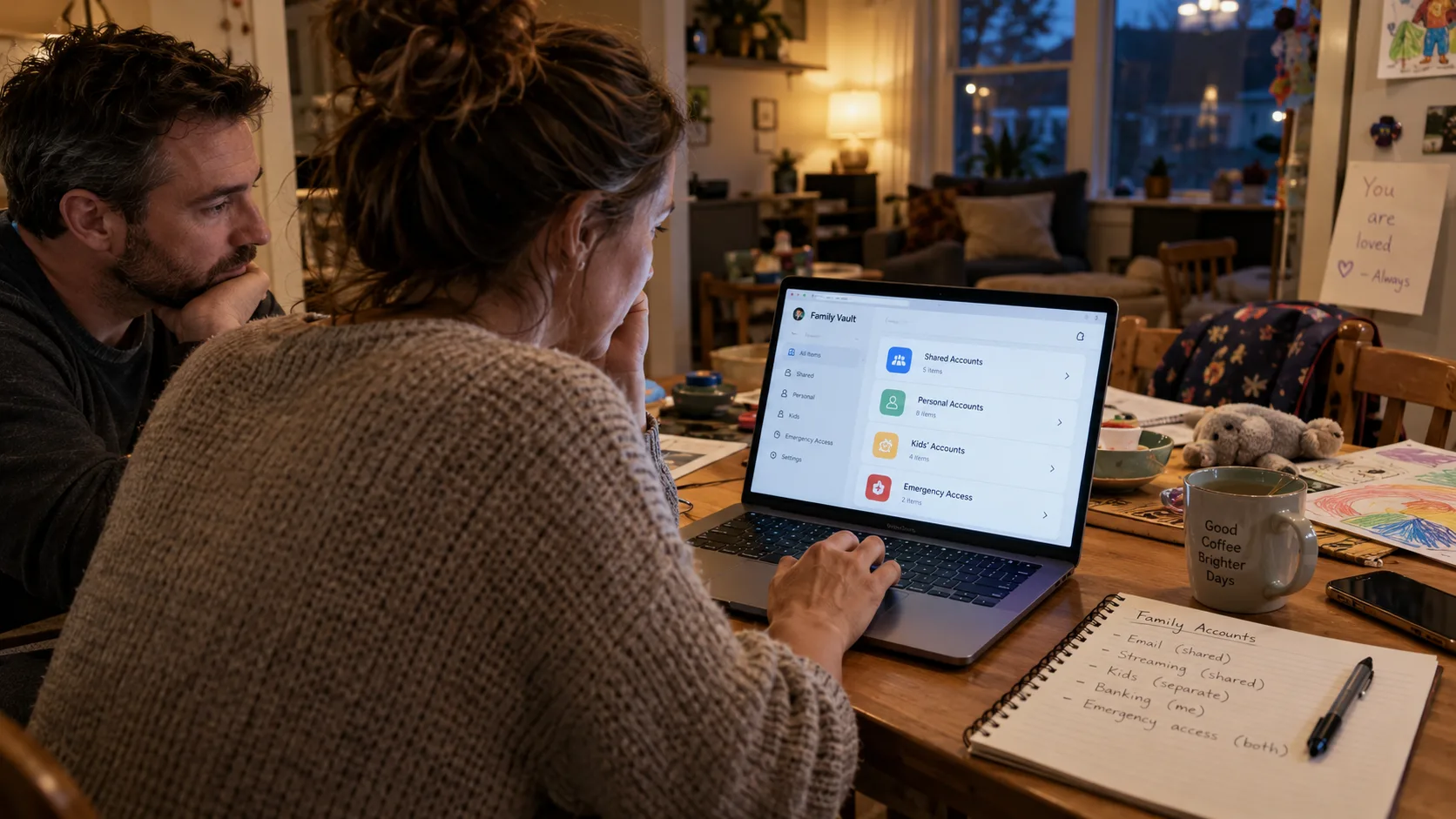
A family password manager can give everyone in a household a safer way to reach the accounts they need—without sending passwords through text messages or expecting one person to remember everything. It does not automatically make every account shareable, fix recovery settings, or decide who should have access. That distinction is the reason I think it belongs in a family conversation, not just on a list of security apps.
At home, our devices do not fit neatly into one ecosystem. I use a MacBook Air and an iPhone 15; Ben uses a Pixel 7, and our daughter Maya does much of her schoolwork on a Chromebook. Our youngest, Owen, uses a Fire tablet with parental controls. Any household system I recommend must work for the people holding those devices, not just for the person who set it up.
My background in identity and access management taught me to separate three questions: Who owns this account? Who needs access? How will we recover it when something goes wrong? A password manager helps with the first two. The third still demands some planning.
Why one forgotten login can become a family problem
One winter, a minor pipe break at our Cleveland home exposed how fragile our account arrangements could be. I was away with my mother for her cataract surgery, and my phone was unavailable. Ben needed water-service information, but the online account depended on an old Yahoo email address of mine and an additional verification step. He managed the immediate physical problem by shutting off the main valve. The account, however, was not something he could simply step into.
I do not take that story as an argument for giving everyone every password. I take it as a reminder that a household needs a route to the right information even when its usual organizer is absent. A shared vault can be part of that route. It cannot substitute for deciding which services matter or arranging authorized access before an emergency.
What a family password manager actually does well
It reduces password reuse without creating a memory test
When each service has its own long, randomly generated password, one leaked password is less likely to unlock another account. A manager can generate and store those credentials, then fill them where supported. I still want a strong, memorable master password—or the provider's supported sign-in method—and appropriate multifactor authentication for the vault itself.
The practical gain is not that my family will become excited about passwords. It is that remembering dozens of different strings stops being a recurring household chore.
It creates controlled ways to share the right accounts
If Ben and I both need a household utility or streaming login, I would rather place it in a shared collection with the correct access permissions than send it in a message. Personal banking, private email, health portals, and work accounts deserve separate decisions; a family label does not create permission to share them.
For a child like Maya, independence needs to grow alongside judgment. I would separate school-related credentials from adult financial accounts and check whether the provider permits parent access or delegated roles. Owen's parental-control credentials should remain with an adult. A password vault is not a replacement for those platform rules.
It makes account maintenance less fragile
When a household member changes a shared password, a properly configured shared item can keep the authorized people from using an outdated copy. It can also make it easier to see which accounts need a new owner, a changed email address, or closure. That fits my preference for small, repeatable maintenance rather than a heroic weekend spent rebuilding everything.
But a manager only knows what someone has put into it. Forgotten utility portals, school activity accounts, and old recovery addresses can remain invisible until you deliberately inventory them.
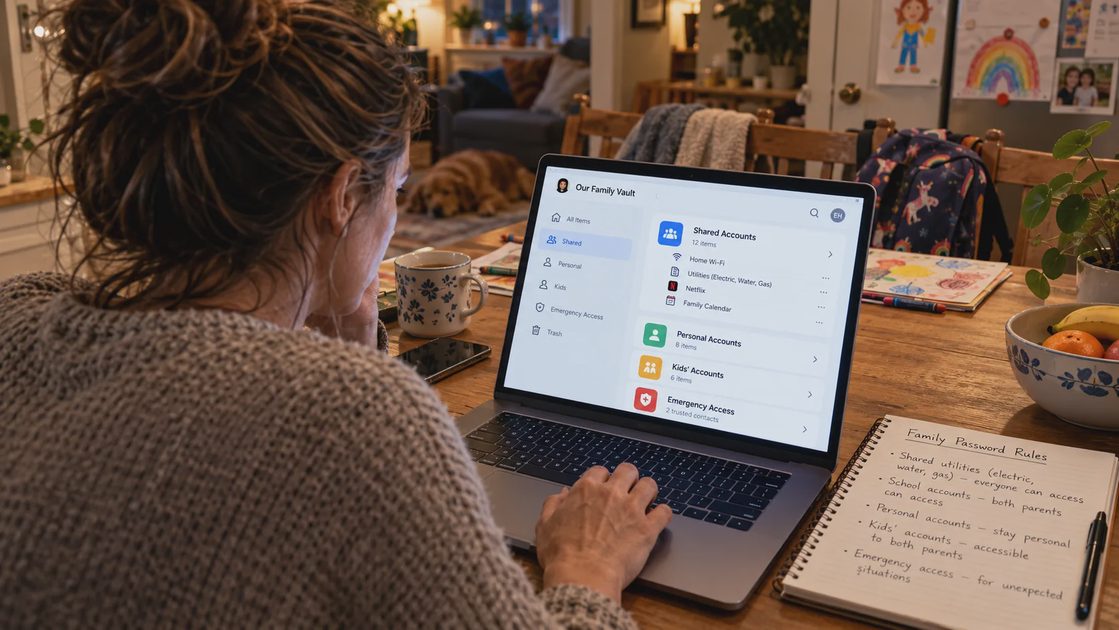
What it does not solve—even with a paid family plan
I think the limits are as important as the features. Here is the decision I would make before treating any password manager as a complete family safety system.
Problem | What the manager can help with | What the household must still decide |
|---|---|---|
Remembering unique passwords | Generate, store, and fill credentials | Who maintains the vault and how members sign in |
Sharing a household login | Offer shared items or collections, depending on the product | Whether sharing is allowed and who genuinely needs access |
Two-factor authentication | Some products store codes or support passkeys | Which second factors should be kept separate for higher-risk accounts |
Losing a phone | Make credentials available on another authorized device | How to regain access to the vault and the account's verification method |
Emergencies | May offer designated emergency access features | Whether the provider supports them and whether access is legally and practically authorized |
Old or forgotten accounts | Help record accounts already known | How to locate, review, and close missing accounts |
A particularly important limit is account recovery. If a service sends a code to an inaccessible phone number or an old email, possessing its password may still not let you sign in. Before changing devices, I would check recovery email addresses, current phone numbers, backup codes, and any security keys for the most important accounts.
A second limit is security concentration. Putting many credentials into one vault makes vault protection essential. I would enable the provider's supported strong authentication, keep software updated, protect devices with screen locks, and learn its recovery process before entrusting the household to it. No storage method removes every risk.
The family setup I would choose first
I would begin with five important accounts, not every account our family has ever opened. Starting small lets you test whether the arrangement actually works across an iPhone, a Pixel, and a Chromebook before introducing it to everyone.
Pick a reputable cross-platform provider. Check current support for your devices, family sharing, account recovery, and export options. Apple-only convenience may be insufficient for a household with Android and school Chromebooks; a separate service is not automatically better if everyone already has an adequate compatible solution.
Secure adult vault access. Give Lauren and Ben separate individual sign-ins rather than sharing one master password. Enable supported multifactor authentication and decide how recovery information will be stored safely.
Create one limited shared area. Add only legitimate shared household credentials—perhaps an eligible utility or family subscription—and keep individual accounts private.
Test access from a second device. Have the other adult locate one shared item and confirm the right person can sign in. Do not test by exposing passwords in a family group chat.
Review the gaps. Note accounts needing an updated recovery address, separate approval, or an offline emergency instruction. Do not assume the vault alone resolves these.
This sequence costs a little more time at the start than copying all passwords into a spreadsheet. The trade-off is worth it only if the household can sustain it. If someone cannot reliably sign in or recover access, I would simplify the setup before adding more accounts.
What I keep outside the shared vault
My family uses cloud storage for everyday documents, but I would not put a plain-text password list into a broadly shared Google Drive folder. I also would not print a complete set of active passwords and leave it in a kitchen drawer.
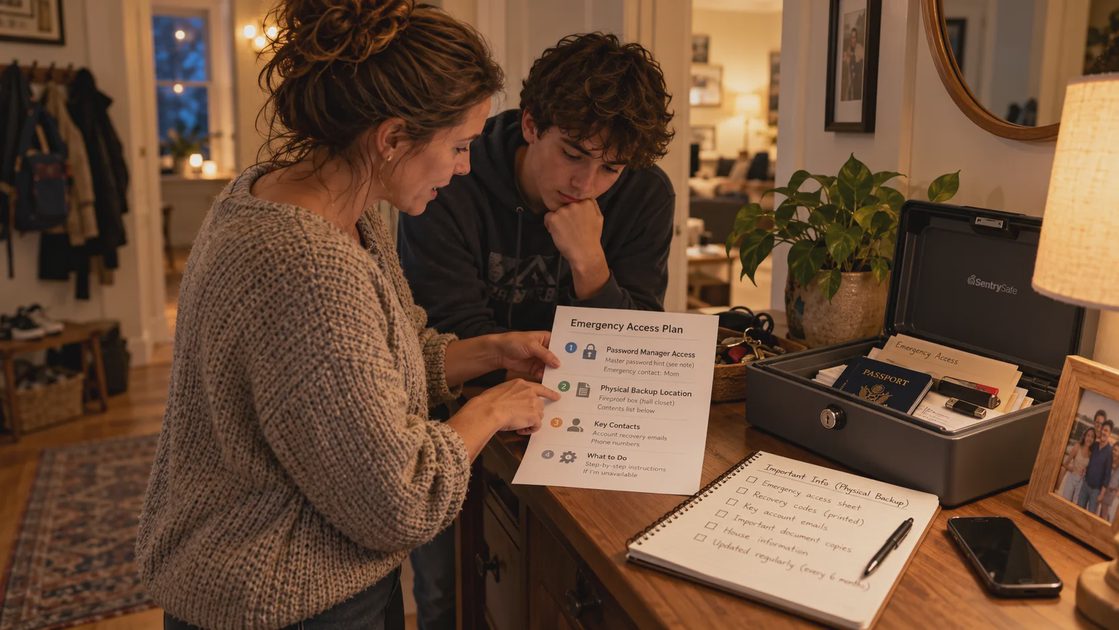
Instead, an emergency document can list the names of important services, the account owner, official support routes, and where approved recovery instructions are stored. Sensitive backup codes and recovery materials need more restricted handling. In our household plan, a secured physical location matters because power, connectivity, and access to a phone are not guaranteed in every emergency.
I also draw a firm line around Ben's employer-issued ThinkPad. A work device is not where I would store personal family vault exports or confidential household records. A simple cross-platform system should respect workplace rules rather than making convenience the only criterion.
My rule: share access, not control of everything
A family password manager is most helpful when it reduces small recurring problems: password reuse, missing household logins, and messages asking, “What did we change that password to?” It is much less helpful when it becomes one more elaborate system that only one parent understands.
I would measure success with an ordinary question: Could the other authorized adult find one essential household login without asking me? If the answer is no, I would fix that one path first—not spend Sunday afternoon importing fifty more passwords.
For a first step today, write down three household services that both adults may legitimately need, and mark who currently owns each account. That small inventory tells you what should—and should not—go into a shared vault.