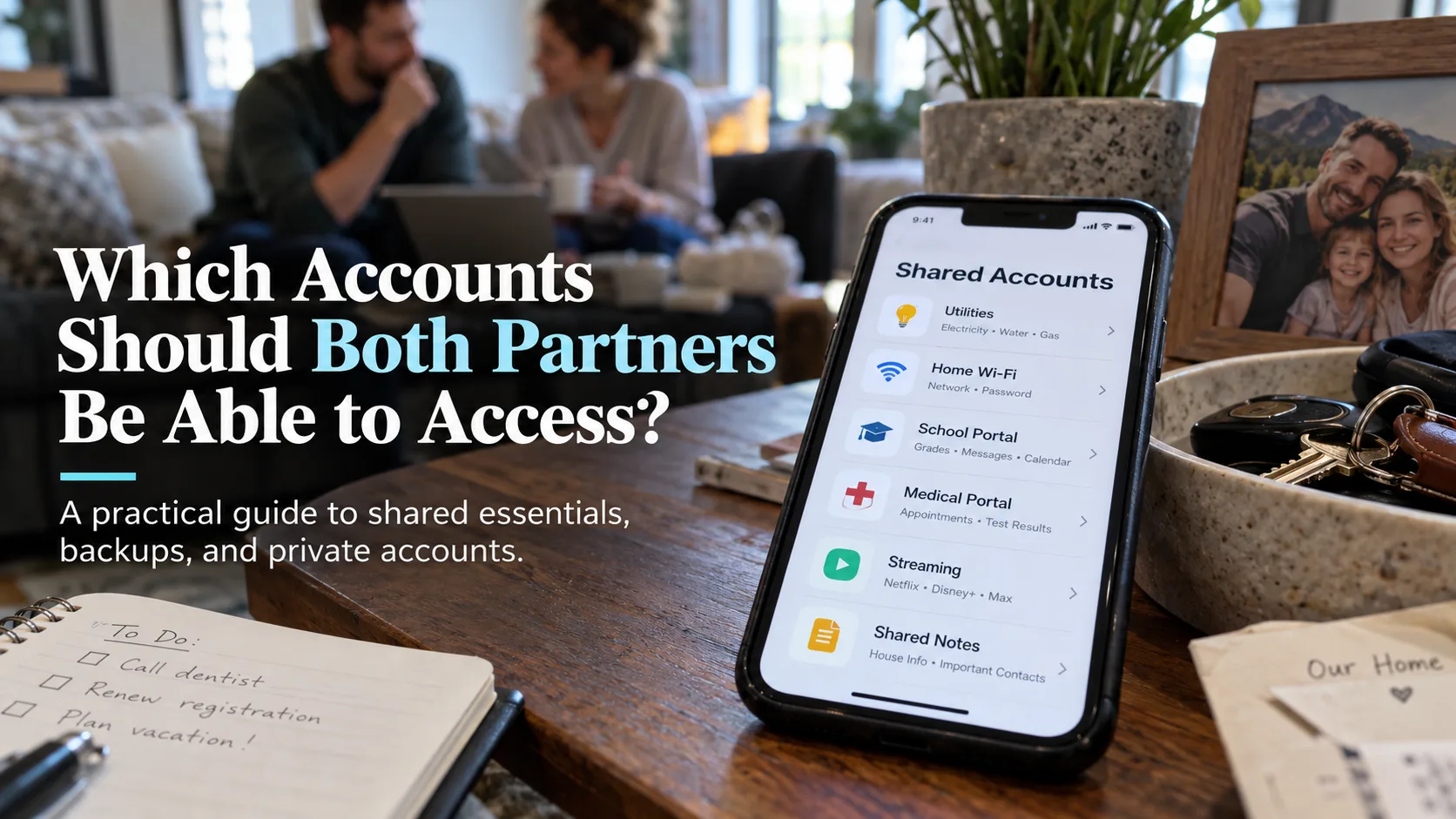
The accounts both partners need are the ones that keep a household functioning—not every account either person owns. For most couples, that means a reliable way to handle utilities, housing, insurance, shared bills, and essential child-related services. It does not mean exchanging every personal email password. I think of this as password sharing with boundaries: give the right person the right access, and make sure the arrangement still works when one adult is unavailable.
This matters especially in a mixed-device family. I use an iPhone and MacBook Air; Ben uses a Pixel and a work-issued ThinkPad that should not become our personal document archive. Our children’s school systems add another layer. A login that looks obvious on my phone may be almost invisible to Ben.
The Winter Night That Changed My Access Rules
During a Cleveland cold snap, a pipe developed a small break at home while I was out of town accompanying my mother to cataract surgery. My phone ran out of power. Ben needed to contact the water utility and deal with the account, but the login was tied to an old Yahoo email address of mine and a verification step he could not complete. He managed to shut off the main water valve himself, then faced a miserable wait for the next steps.
The failure was not a weak password. It was a household service with one effective gatekeeper. In my previous healthcare IT work, identity and access management taught me to ask who needs access, what they are authorized to do, and how that access survives an absence. At home, I had neglected the most ordinary version of that question.
The fix is not to make one giant shared vault and hope for the best. It is to classify accounts by consequence and choose an appropriate access route for each one.
The Three Access Levels I Would Use
I divide accounts into three groups. The table is the short version of my decision method, not a rule that overrides a provider’s terms or a family member’s privacy.
Access level | Examples | What I would arrange |
|---|---|---|
Both adults need a route in | Utilities, housing, shared insurance, joint bills, family calendar | Separate authorized users when available; otherwise a permitted, secure shared credential or a documented service contact route |
One owner, another adult needs a fallback | Primary cloud-photo account, a child’s school portal, certain medical or household records | Record the owner, approved delegate options, support routes, and emergency steps without indiscriminately copying secrets |
Private unless there is a specific reason | Personal email, individual banking, private health portals, work accounts | Keep individual credentials private; use legal authorization, designated contacts, or provider-approved emergency processes if needed |
The distinction is between being able to complete a household task and being able to impersonate someone. Those are not always the same thing. Some providers support separate users or delegated access. Others have a single login, formal authorization requirements, or limits on credential sharing. Check the individual service before deciding.
Start With the Accounts That Can Stop a Normal Day
My first pass would cover five household functions, in this order.
Utilities and housing. Can either adult find the water, electricity, gas, internet, landlord, or mortgage provider’s official contact route? Record the account owner, service address, emergency phone number, and where account identifiers can be found. If separate authorized users are available, set them up. Do not confuse having the website bookmarked with having permission to make changes.
Shared money and insurance. For joint bills, verify who is actually a named account holder or authorized user. A bank, insurer, or medical provider may require its own forms. A spreadsheet listing an account does not grant rights, and neither does marriage automatically give unrestricted access to every individually owned account.
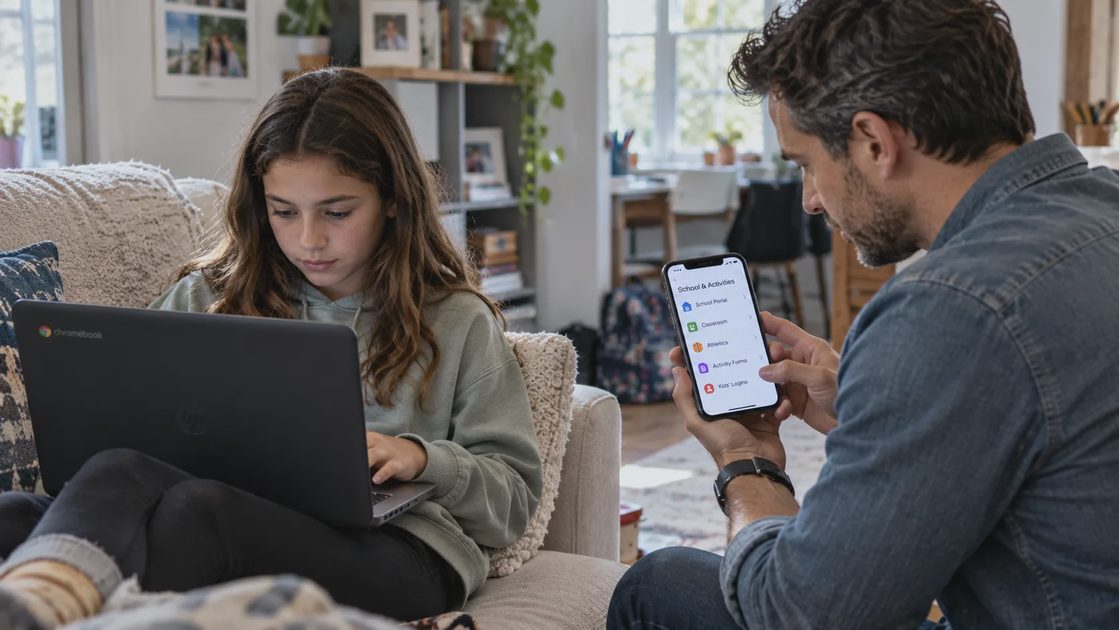
Children’s school and activities. Maya’s school Chromebook, Google Classroom, activity registrations, and forms for drama or track create more logins than a family expects. I would identify the official parent or guardian portals and establish an approved login for each parent where possible. For Owen’s Fire tablet, the useful question is which adult can manage parental settings and recover access without exposing the child’s profile to everyone.
Family subscriptions and services. Ben handles much of our billing and household scheduling. I want to know whether a cancellation, renewal, or payment issue can be handled through his own authorized access rather than requiring my phone. Subscription ownership and family-plan membership are not always equivalent to account-administrator rights.
Photos and important documents. Our Apple and Google environments do different jobs. iCloud Photos helps with Apple-device synchronization; Google Drive is useful for documents family members must open across platforms. A partner should know where the documents are and have the correct permissions, but shared access to a folder is not a substitute for an independent backup of irreplaceable photos.
Choose the Safest Kind of Sharing Available
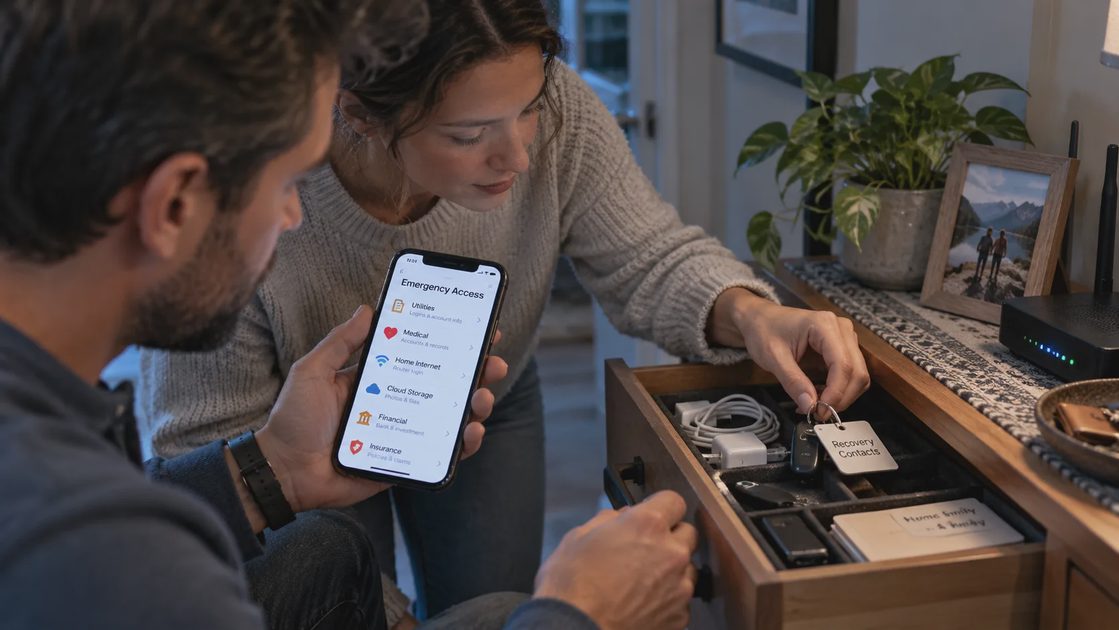
There is an order to this decision. First, prefer distinct named logins with the correct role. They let you grant access without pretending to be the same person. Second, consider a family password manager or approved shared vault for credentials a provider actually permits you to share. Third, keep an emergency reference that tells the other adult where to find legitimate help and recovery instructions.
For family password sharing, I would never make our children’s accounts, personal accounts, and household utilities one undifferentiated collection. A shared password manager can help organize items, but vault membership, permissions, emergency access, and recovery differ by product and plan. Those details need checking before relying on them during a crisis.
MFA is another boundary. Sharing a password does not necessarily provide the second factor, and forwarding one-time codes on demand is a fragile emergency plan. When a service supports separate authorized identities, that is usually the cleaner route. Recovery codes and authenticator backups belong in restricted storage, not in a broadly shared family document.
I would also refuse to place family credentials on Ben’s employer-issued laptop. It belongs to his organization, with its own security and retention rules. Household access should work from our personally controlled devices or other properly authorized means.
A Household Access Check
You do not need to audit every forgotten account tonight. Choose the five services that would create the most trouble if the usual organizer could not answer the phone.
Name the task. Write “pay water bill,” “contact insurer,” or “retrieve school form,” rather than just listing brands.
Identify the owner. Note which adult is registered, whether the other already has approved access, and where the official login or support page is found.
Pick the access path. Add a second authorized user where supported; otherwise document the approved delegation, provider contact, or appropriate secure-sharing method.
Test one harmless task. Ask the other adult to locate a utility emergency number or open a shared non-sensitive document. Do not test by triggering account lockouts or exposing recovery secrets.
A simple tracker can use five columns: household task, service, owner, other adult’s approved access, next action. I keep passwords out of this general-purpose list. The goal is clarity, not a new document full of vulnerabilities.
What Should Stay Separate?
Personal messages, private medical information, individual financial accounts, and work services deserve boundaries. “We share a home” is not the same as “we share every identity.” For aging parents or relatives, I would also obtain consent and learn the provider’s legal authorization process rather than assuming family status is enough.
Some couples may decide that a specific personal account needs an emergency plan. That can be reasonable, but it should be explicit and proportionate: who gets access, under what circumstances, and by what legitimate process? Emergency-access features are not universal, and access after incapacity or death may require documentation beyond a password.
My test for a good system is intentionally plain: Can Ben get the family through the next necessary step without having to become me online? If the answer is yes, we have shared enough. If not, we need a better access arrangement—not necessarily another shared password.
Start with one utility account today. Confirm the provider’s official phone number, the account owner, and whether both adults have an authorized way to act. That one small fix is worth more than a perfectly formatted list no one can use.